Hreflang for Bilingual Gulf Websites: A Practical Setup
Arabic and English versions, country targeting and RTL layouts: a practical guide to configuring hreflang on Gulf websites without the usual mistakes.
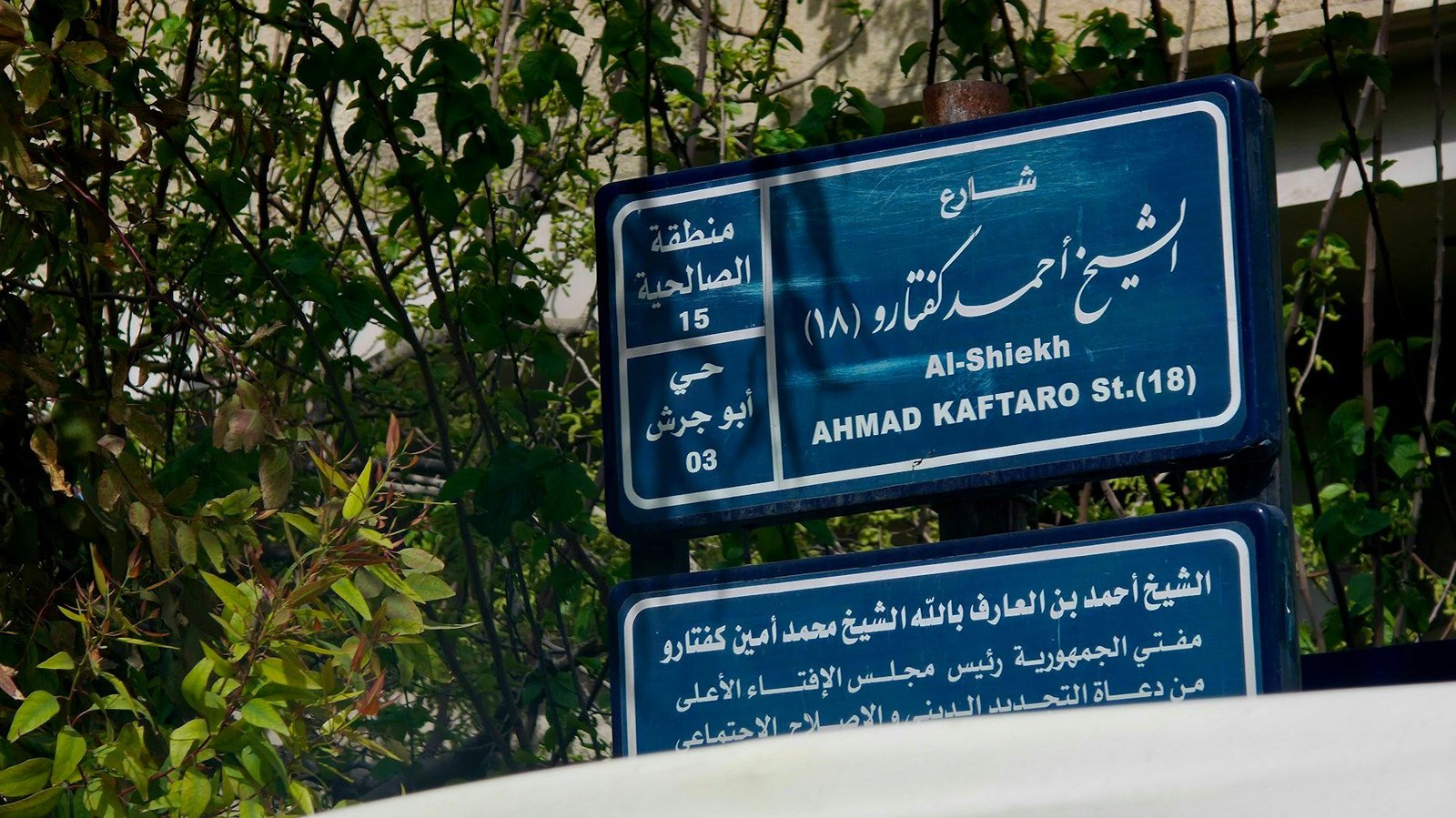
Most Gulf websites serve at least two languages, Arabic and English, and many also serve several countries. Hreflang is the annotation that tells Google which version of a page to show to which audience, so an Arabic speaker in Riyadh lands on the Arabic page and an English speaker in Dubai lands on the English one.
When it is set up correctly, hreflang reduces the chance of the wrong language appearing in search results and helps equivalent pages work as a group. When it is set up badly, it is simply ignored. This guide covers a practical setup for bilingual and multi-country sites in the GCC, and the mistakes that most often break it.
What hreflang does and does not do
Hreflang is a signal, not a directive. It helps search engines choose between equivalent pages in different languages or for different regions. It does not improve rankings on its own, does not stop pages being indexed and does not redirect users. For more on this, see our guide to schema markup for Arabic content.
Google supports hreflang. Bing relies more on the content language meta tag and other signals, so it is sensible to set the html lang attribute correctly on every page as well. Hreflang also does not solve thin or duplicate content: each language version should be a genuinely complete page.
Choose language codes or language-country codes
The first decision is whether you target languages, countries or both.
Language-only targeting
If the content is the same for every GCC country, use language codes: en for English and ar for Arabic. This is the right choice for most publishers, SaaS products and brands with a single regional offering. It keeps the setup simple and avoids creating near-identical pages for six countries.
Language-country targeting
Use codes such as ar-SA, ar-AE, en-AE or en-KW only when pages truly differ by market, for example in prices and currency, product availability, delivery terms, legal information or contact details. An ecommerce site that sells in both the UAE and Saudi Arabia with AED and SAR prices is a typical case.
Getting the codes right
- Language codes follow ISO 639-1, such as ar and en.
- Country codes follow ISO 3166-1 Alpha 2, such as AE, SA, QA, KW, BH and OM.
- A country code cannot be used on its own; ae alone is not valid.
- Use UAE as AE, not UK style abbreviations or invented codes such as en-UAE.
- Do not use a single code to target a group of countries; there is no code for the GCC as a whole.
Implement hreflang correctly
There are three ways to add hreflang: link elements in the HTML head, HTTP headers (mainly for PDFs and other non-HTML files) or the XML sitemap. Choose one method per set of pages and use it consistently.
The self-reference and return link rules
Every page in a group must list itself and every alternate version. If the English page points to the Arabic page, the Arabic page must point back to the English page. Missing return links are the most common reason hreflang is ignored.
A simple bilingual example
For a page available at /services/ in English and /ar/services/ in Arabic, both pages should contain the same three annotations: one for en pointing to the English URL, one for ar pointing to the Arabic URL and one for x-default pointing to the version you want as a fallback, often English or a language selector page. Our piece on Arabic keyword research across dialects covers the related details.
Sitemap based implementation
On large sites, adding hreflang to the XML sitemap keeps the HTML lighter and makes the annotations easier to audit. Each URL entry lists all its alternates using xhtml link elements. Keep the sitemap generated by the CMS rather than edited by hand, so new pages are included automatically.
Canonicals, URLs and indexability
Hreflang and canonical tags must agree. Many broken setups come from conflicts between the two.
- Each language version should have a self-referencing canonical. Never canonicalise the Arabic page to the English one, or the Arabic version may drop out of the index.
- Only reference URLs that return a 200 status. Redirects, 404 pages and pages blocked by robots.txt or noindex break the group.
- Use absolute URLs including the protocol and domain.
- Keep a clear URL structure, such as a subfolder for Arabic (/ar/) or country folders (/ae/, /sa/). Subfolders are usually easier to manage than separate domains.
- Avoid automatic redirects based on IP address or browser language. Googlebot mostly crawls from the United States, so forced redirects can hide versions. Offer a visible language switcher instead.
Arabic, RTL and localisation details
Hreflang points search engines to the right page, but the page itself must deliver a good experience for that audience.
Make the Arabic version complete
Translate titles, meta descriptions, headings, navigation, image alt text and structured data, not just body copy. A page with Arabic content and English titles sends mixed signals and looks unfinished in search results.
Set direction and language attributes
Set lang=ar and dir=rtl on the Arabic html element, and lang=en with left to right direction on English pages. Use logical CSS properties so layouts mirror correctly, and check forms, tables, icons and number formats in RTL.
Localise for the market, not only the language
If you target countries separately, localise currency, phone formats, delivery details, holidays and examples. A Saudi page that shows UAE dirhams undermines the purpose of the ar-SA annotation.
Common hreflang mistakes on Gulf websites
- Missing return links between Arabic and English versions.
- Pointing hreflang at redirected, non-canonical or noindexed URLs.
- Using invalid codes such as en-UAE or ar-GCC.
- Creating six country versions with identical content and no real differences.
- Language switchers that always link to the home page instead of the equivalent page.
- Different hreflang sets in the HTML head and the sitemap.
- Forgetting to update hreflang after a migration or URL restructure.
Testing and maintaining your setup
Check hreflang after every launch, migration and CMS change. It also connects closely to Core Web Vitals on mobile.
- Crawl the site with a tool that reports hreflang errors, such as missing return links, invalid codes and non-200 targets.
- Use the URL Inspection tool in Search Console to confirm Google sees the expected canonical for each version.
- Review Search Console performance by country and page to spot the wrong language ranking in a market.
- Spot-check search results in Arabic and English from different GCC locations.
- Document your URL patterns and codes so developers and content teams follow the same rules.
Frequently asked questions
Do I need hreflang if I only have Arabic and English?
It is recommended. Even with two languages, hreflang helps Google show the right version, especially when pages target the same queries or brand names.
Should I use ar or ar-AE?
Use ar if the Arabic content is the same across the region. Use ar-AE, ar-SA and similar codes only when pages differ meaningfully by country.
What should x-default point to?
Point it to the page that best serves users who do not match any listed version, usually the English page or a language and country selector.
Can hreflang fix duplicate content issues?
It helps search engines understand that equivalent pages are alternates, but it is not a substitute for genuinely localised content and correct canonical tags.
A clean setup pays off
Hreflang is mostly about discipline: valid codes, complete groups, matching canonicals and indexable URLs. Decide early whether you target languages or countries, build the annotations into your CMS and test them after every change. Bilingual Gulf sites that get this right show Arabic and English users the version they actually want.
Frequently asked questions
Do I need separate URLs for Arabic?
Yes. Each language version needs its own crawlable URL, such as a /ar/ subfolder.
Related articles

Arabic Keyword Research: Dialects, Transliteration and Arabizi
Gulf users search in Modern Standard Arabic, Khaleeji dialect, English and Arabizi. Learn how to research, group and target all four query styles.
By Omar Al Mansoori

Core Web Vitals for Mobile-First GCC Audiences
Most Gulf browsing happens on mobile. Here is where to focus to improve LCP, INP and CLS on bilingual Arabic and English sites, and how to measure progress.
By Omar Al Mansoori

Schema Markup for Arabic Content: What Works
Structured data works the same in any language, but Arabic sites often get the details wrong. A practical checklist for schema markup on Arabic pages.
By Omar Al Mansoori